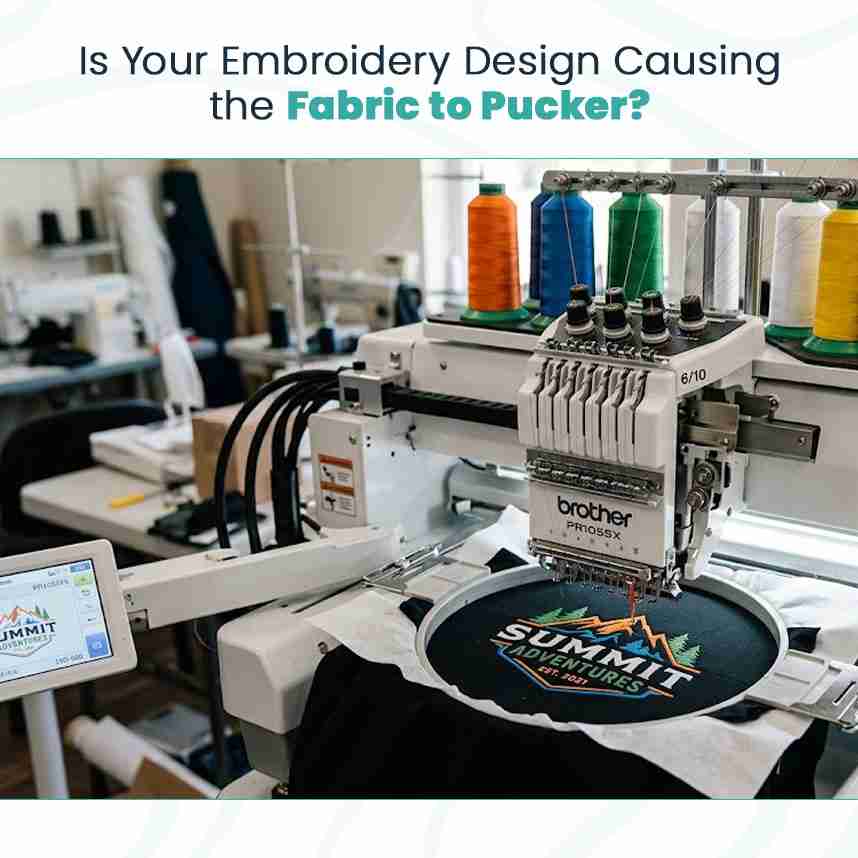
Is Your Embroidery Design Causing the Fabric to Pucker?
Sometimes the fabric is not the problem at all. You can use good backing, hoop the garment carefully, and still end up with wrinkles around the logo. When that happens, it is worth checking how the design was prepared for machine embroidery.
How Digitizing Can Affect the Finished Result
A design on a computer screen does not show how the fabric will react to hundreds or thousands of stitches. The digitizing process determines stitch direction, density, underlay, and the order in which different sections are sewn.
If these settings are not suitable for the garment, the design may pull the fabric in several directions.
Common problems include:
Excessive stitch density: Too many stitches in one area can make the fabric stiff and cause it to gather.
Poor underlay: The foundation stitches may not provide the right support for the top stitches.
Incorrect pull compensation: Letters and shapes may become narrower or distorted as the stitches pull on the fabric.
Unsuitable stitch direction: Poorly planned stitch angles can increase fabric movement in certain areas.
These problems cannot always be corrected by changing the backing alone.
How to Identify a Digitizing Problem
Look closely at the finished embroidery. If the fabric puckers mainly around dense lettering or large filled shapes, the design may need a technical review.
You can also check whether the problem appears on different garments. If the same design puckers repeatedly on suitable fabric with proper backing, hooping, and tension, the stitch file deserves closer attention.
Professional embroidery digitizing takes the fabric, design size, stitch density, and machine behavior into account. A good digitizer adjusts the stitch plan to suit the actual embroidery job rather than simply tracing the artwork.
What Should You Fix First?
Before running another sample, check these points:
Confirm that the backing matches the fabric.
Make sure the garment is hooped without stretching.
Inspect the stitch count and density.
Ask the digitizer to review the underlay and pull compensation if needed.
Avoid changing several machine settings at once. Otherwise, it becomes difficult to tell which adjustment improved the result.
Get the Design Ready Before Production
A puckered logo wastes time because you may need to remove stitches, replace garments, or run the design again. A sample stitch-out can help catch these problems before production begins.
The best result comes from matching the backing, fabric, hooping method, and digitizing settings. When these parts work together, the embroidery has a better chance of lying flat and keeping its intended shape.
https://matthew-davis.ghost.io..../why-your-embroidery