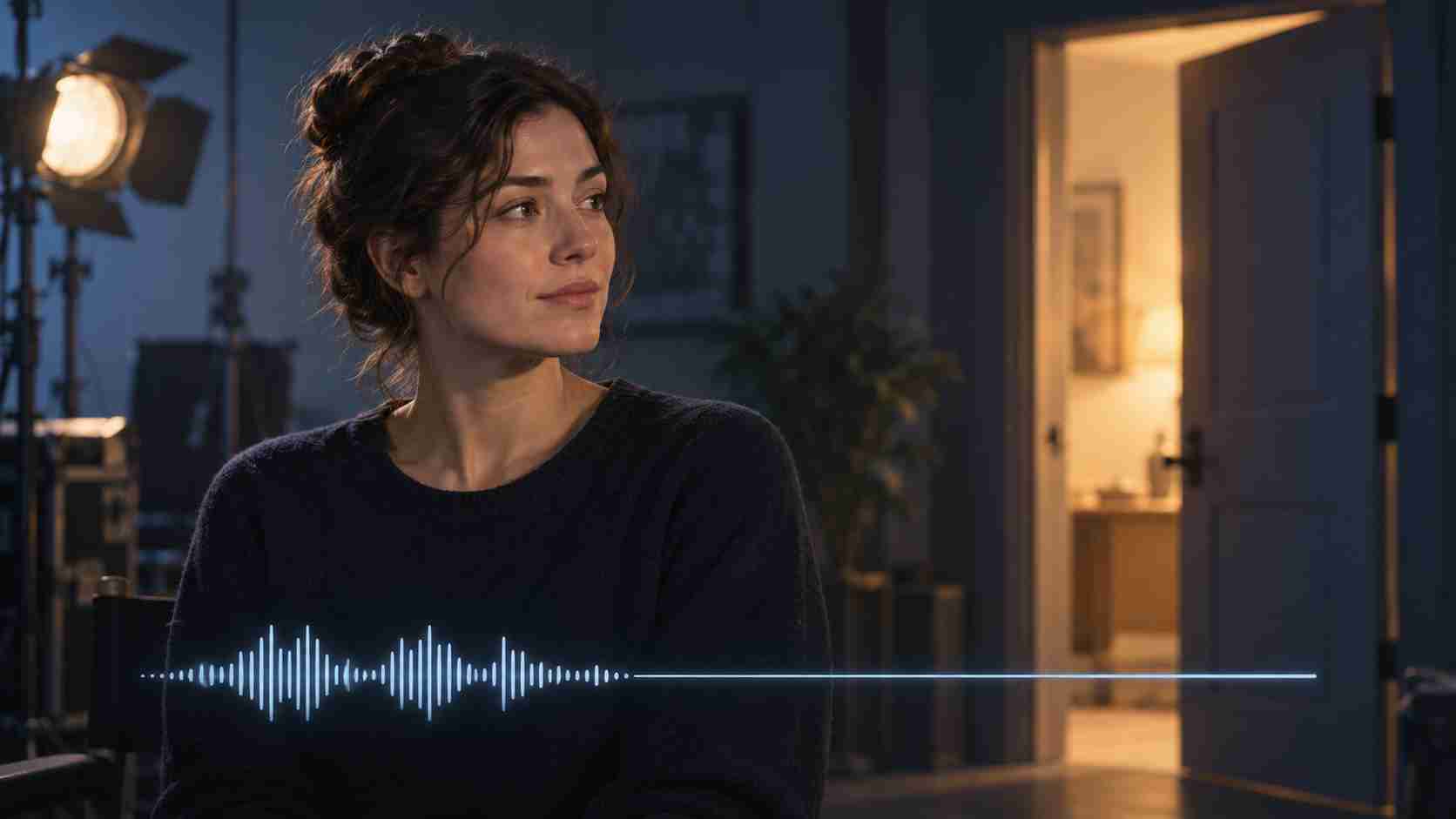


Precise Dialogue Timing in Short AI-Generated Clips
When a scripted line ends before the shot does, a character may continue speaking, produce garbled words, or fill the intended pause with stray sounds. The simplest fix is to give the remaining seconds a clear silent action instead of leaving them undefined.
For short dialogue clips, I am considering Vidu Q3: https://viduq3.com/
Time the sentence by reading it naturally before planning the shot. If the line takes three seconds, do not place it in a six-second clip and assume the rest will stay quiet. Shorten the shot or describe exactly what happens after the final word.
A simple six-second timeline could be:
- 0.0–0.5 seconds: the character looks up and inhales;
- 0.5–3.5 seconds: one complete sentence;
- 3.5–4.0 seconds: the mouth closes and the expression settles;
- 4.0–6.0 seconds: no speech; the character looks toward the door while the camera stays still.
Keep the spoken line separate from the silent action. Avoid adding another camera move or complicated gesture during the pause.
After generation, check that the last word is complete, the mouth stops moving, no extra syllables appear, and the silent section contains no whispers or fragments. Listen with headphones as well as speakers. If the picture works but the silence does not, trimming or muting the unwanted section in editing may be more predictable than regenerating the whole clip.