 Jul
18
Jul
18
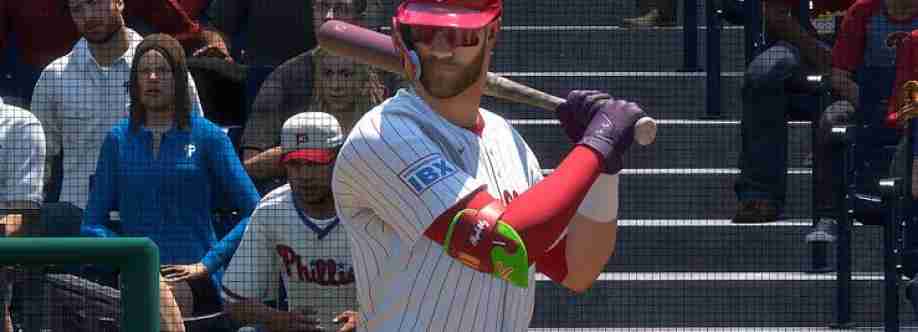
There's more to a custom Franchise than simply picking a club and hitting Start. If you want a ridiculous roster from day one, handle the roster file first, then spend any MLB 26 stubs you have planned around the players you actually intend to keep. From the main menu, open Create or Settings, go into Manage CPU Rosters, and use Player Movement. The Yankees are an easy base because Judge, Bellinger, and Chisholm already give you a strong core. From there, pull in Free Agents such as Edgar Martinez, Gary Sheffield, Jim Edmonds, Dave Parker, Luis Gonzalez, and Rafael Palmeiro. It's a bit over the top. That's kind of the point.
Bring the edited roster into Franchise
Save that roster before you touch Franchise mode. When you create a new file, choose the saved roster rather than the default one; otherwise, all that player movement disappears. At the team-selection screen, find the altered Yankees and open the CPU Roster Control tools. This is where the fun starts. You can replace the organisation with a Custom Team while keeping the loaded roster intact. So, instead of beginning with a blank made-up club, you're taking a powerhouse built around players such as Aaron Judge, Max Fried, Orlando Cepeda, and whichever legends you moved over.
Choice What it changes
Default roster Uses the standard player pool.
Saved custom roster Keeps your trades and legend signings.
Team replacement Lets the edited club become a Custom Team.
Make the club feel like the Savannah Bananas
The Custom Team screen is where a normal Yankees save stops looking like one. Set the team name, city, colours, uniforms, and logo before moving on. Plenty of players go for a Savannah Bananas-style identity because it feels loose and different from a standard MLB presentation. The real Bananas began in Savannah in 2016 and built their reputation around Banana Ball, a quicker, crowd-focused version of baseball. In the Logo Vault, look for a suitable Bananas logo or import one you've created. The familiar design usually combines baseball lettering with a bat-swinging banana in yellow and green.
Use yellow as the main jersey colour.
Add navy accents so the uniform doesn't look flat.
Rotate and scale the logo slowly on the grid.
Check both home and road uniforms before saving.
Pick a ballpark that suits the gimmick
Don't rush past the stadium choice. A created park can give the club some of the lively, close-to-the-field feel associated with Grayson Stadium, especially on newer consoles. If Stadium Creator isn't available, a smaller minor-league venue or an older ballpark usually works better than a huge modern stadium. Save the rebrand once everything looks right, then launch the Franchise. With MLB stubs available for the players you want to pursue later, the custom Bananas-style super-team can keep changing long after Opening Day.
Welcome to U4GM, where MLB The Show 26 players swap roster ideas, tune Franchise saves, and bring wild custom clubs to life. Planning a Yankees legends run or a Savannah Bananas-style rebrand? Check out https://www.u4gm.com/mlb-the-show-26/stubs for Stubs options, plus handy pointers for your next save, then get back to building your ballpark story, your way every time.


